
A timer with somewhere to be.
Sessions for focus, meditation, breathwork, naps and cooking, each running inside a place, most with a sound of their own.
FOCUS
Focus
25:00
Classic Pomodoro · 8 steps · 2h 10m
Free in your browser. No account.
Scenes
Pick a place
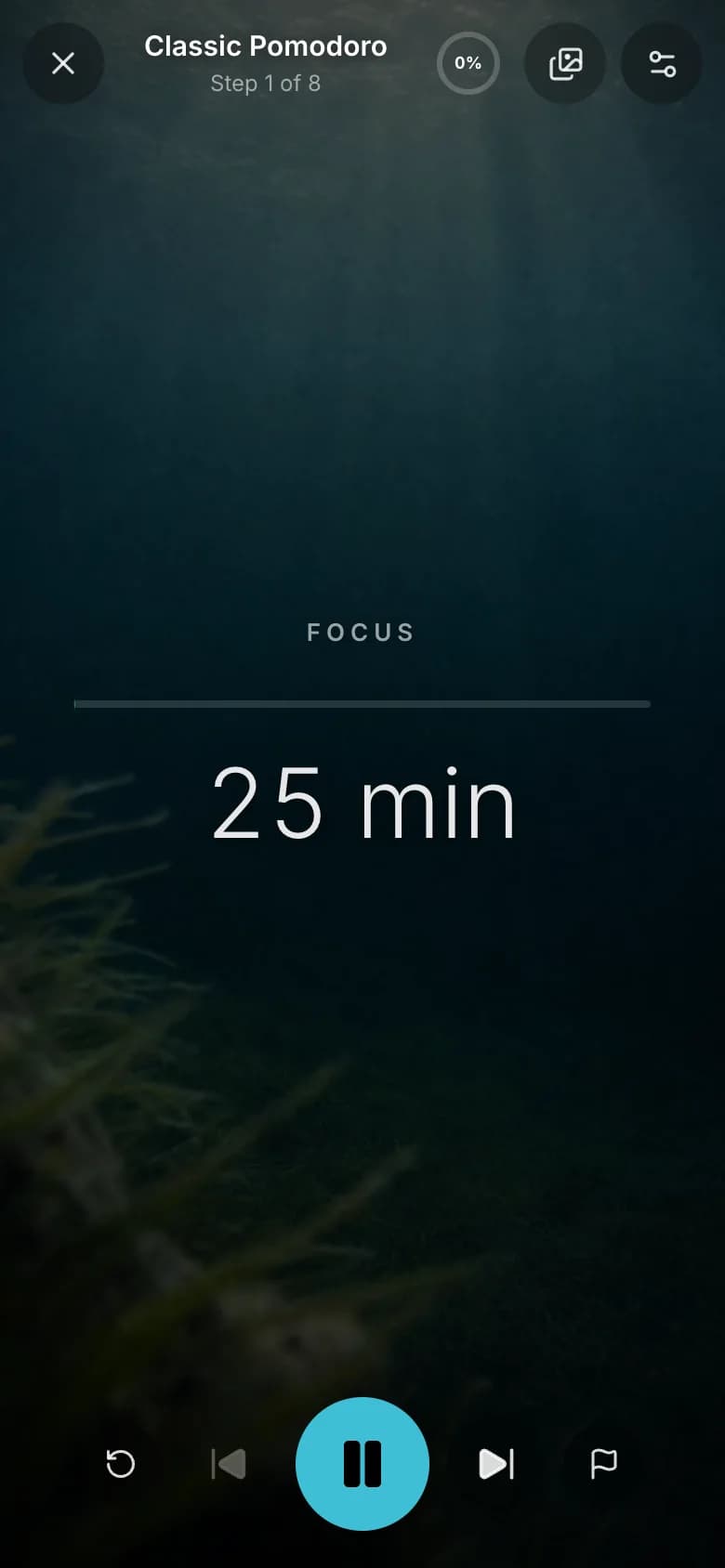
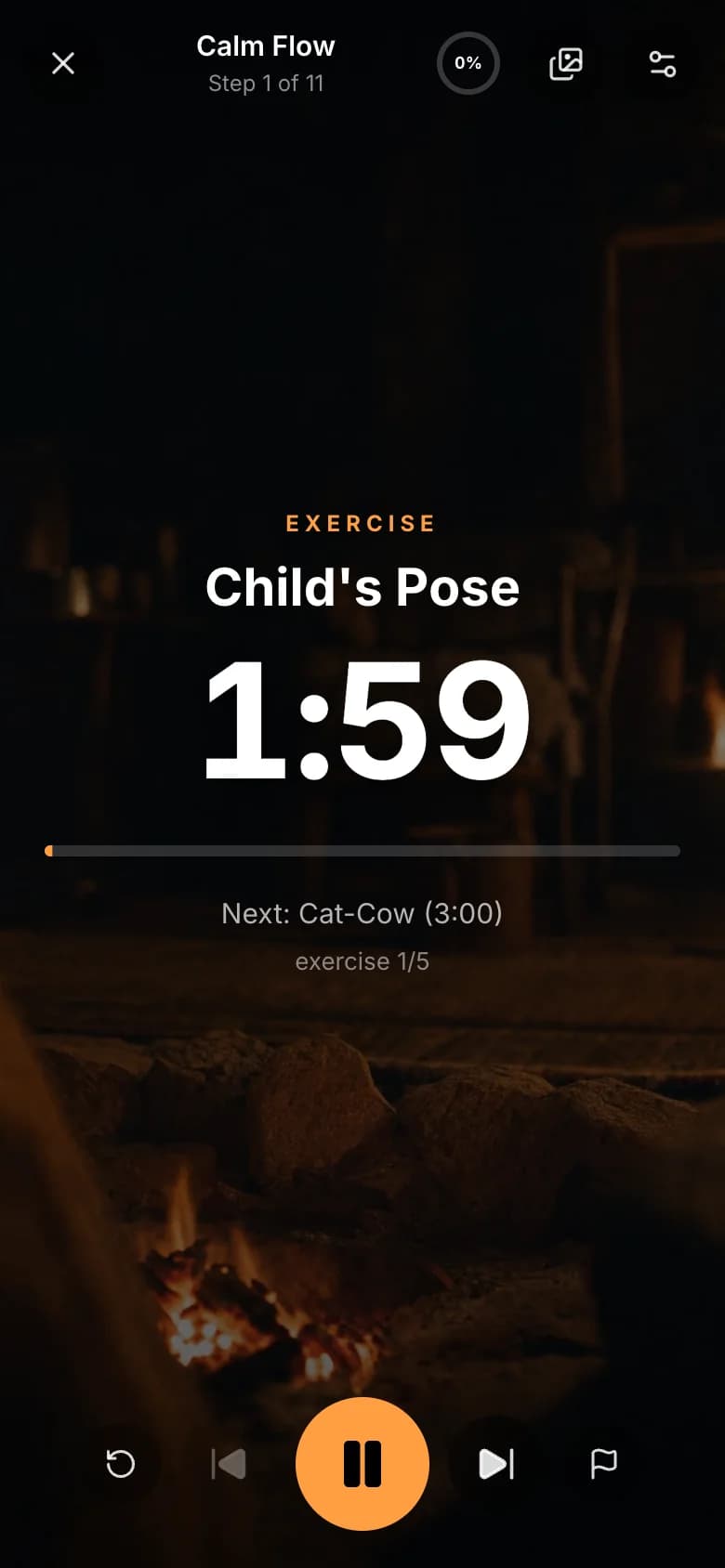
A session does not run on a screen. It runs somewhere: a forest, a fireplace, rain under an eave, the sea at sunset. The scene moves, and its sound plays.
15 of 21 places are free. See every place
The timer
What it looks like
The clock sits inside the scene. Two ways to see the time here: the numerals, or Calm, a line instead of a ticking clock.

Three steps
How it works
Pick a session
Pomodoro, deep work, box breathing, a body scan, a power nap, the perfect soft-boiled egg. 51 are written already.
Choose a place
A forest, a fire, rain on a window, the sea. Each has its own sound, or keep your own music playing.
Press start
The scene moves, its sound plays, and a voice tells you what comes next, so you can stop watching the clock.
Build your own in a minute. On iPhone, describe one — type it, say it, photograph a recipe or paste a YouTube link — and AI writes it.
Popular timers
Start one right here
Each of these runs in your browser, free and with no account. Pick one and press Start.
Classic Pomodoro
Four rounds of twenty-five, then a long break
2h 10mFocus & Study
Box Breathing
Four counts in, hold, out, hold
4 minBreathwork
Power Nap
Twenty minutes down, then a gentle wake
25 minSleep & Naps
Ten Minute Sit
A first guided sit, anchored on the breath
10 minMeditation
4-7-8 Breathing
Four in, seven hold, eight out — slow and long
3 minBreathwork
20-20-20 Eye Rest
Every twenty minutes, look far away
2h 07mEveryday
Soft-Boiled Egg
Six minutes from the boil to the spoon
7 minCooking
Classic Tabata
Twenty on, ten off, eight rounds
5 minHIIT
The iPhone app
On your iPhone
The same sessions and scenes, free to download, and what the app adds.
Live Activity and Dynamic Island
The timer on your Lock Screen and in the Dynamic Island.
Voice commands
Pause, resume and skip hands-free with any headset.
Timers written by AI
Type it, say it, take a photo of a recipe or a training plan, or paste a YouTube link.
Spotify alongside
Your own playlist plays beside the timer.
Premium scenes and coach voices
Every scene and every premium session, the coach voices, and several ambient sounds layered in your own mix.
Session history
Every session you finish, step by step, with an account.
Free to download.
Pricing
Free here. Premium in the app.
The web timer is free, with no account. Premium opens every scene and every session in the iPhone app.
Free
$0forever
In your browser and on iPhone
- Every free session, right in your browser
- 13 scenes, 9 of them with their own sound
- Timers you build yourself, as many as you like
- No account and nothing to install
- Live Activity and Dynamic Island in the iPhone app
- 2 AI timers to try in the iPhone app
- Premium scenes and sessions
- The Motivational and Drill Sergeant coach voices
Premium
$4.99/mo
or $29.99/yr · save 50%
In the iPhone app. Everything in Free, plus:
- Six more scenesFireside, Rain, Open Air, Shore, Seaside and City.
- Nine more sessionsEvery session marked Premium in the library.
- More coach voicesMotivational and Drill Sergeant, for when you want a push.
- Your own sound mixLayer several ambient sounds in your own mix. Free mixes play one at a time.
- 30 AI timers a monthFrom a YouTube video, some text or your voice. Free accounts get two in all.
- Voice notesSay how it went when a session ends.
Premium is bought and managed in the iPhone app, with no free trial. The web timer stays free.
FAQ